How to generate llms.txt for any site
An llms.txt is a short Markdown map of a site for AI assistants. How to generate one from a sitemap in seconds, or from a crawl with real page descriptions and an llms-full.txt beside it, and the four things that make a generated file wrong.

On this page
TL;DR
An llms.txt is a short Markdown file at a site's root that tells an AI assistant what the site is and which pages are worth reading. Only the H1 is required.
The fastest way to generate one: paste a domain into the free llms.txt generator. It reads the sitemap, needs no account, and gives you the links and sections.
What a sitemap can't give you is the line under each link saying what the page covers. That needs a crawl, which also gives you
llms-full.txt.Generated files go wrong in four predictable ways: the same description under every link, one-link sections, missing blocked pages, and an
llms-full.txttoo big to use.It isn't an SEO lever. Google says AI features in Search need no special files. Write it for agents pointed at your docs.
Below: what the format asks for, how it differs from robots.txt and sitemap.xml, both ways to generate it, a real run on a 23-page docs site, and the ways a generated file goes wrong.
What does the llms.txt spec ask for?
The proposal at llmstxt.org (v2, checked 27 November 2026) defines a Markdown file, in this order:
An H1 with the name of the site or project. This is the only required section.
A blockquote with a short summary.
Optional paragraphs or lists with more detail. No headings.
H2 sections of "file lists": each item is
[name](url), then optionally:and a note on the page.By convention, a section called Optional for links an agent can skip when context is short.
A file can also sit at a subpath and cover what's under it (/docs/llms.txt describes /docs/); where more than one applies, agents should use the most specific. The proposal also recommends a clean Markdown version of each page at the same URL (page.md or page.html.md).
llms-full.txt, every page's content in one file, isn't part of the proposal. It's a convention that docs platforms such as Mintlify and GitBook publish beside it, for an assistant that reads a whole site at once.
How is llms.txt different from robots.txt and sitemap.xml?
File | Purpose | Audience | Format |
|---|---|---|---|
| Says which paths crawlers may fetch | Search engines and other crawlers | Plain-text directives ( |
| Lists the URLs you want indexed, with optional | Search engines | XML |
| Says what the site is and which pages matter, with a note on each | AI assistants and agents | Markdown |
They work together: the free generator below starts from robots.txt to find the sitemaps, and builds the llms.txt from the sitemap's URLs.
Who uses it, and does anything check for it?
On 27 November 2026 these returned an llms.txt: Stripe's docs ("# Stripe Documentation"), Cloudflare's developer docs ("# Cloudflare Developer Documentation") and Vercel ("# Vercel").
Google's Lighthouse has an experimental agentic browsing category whose checks include "llms.txt: Checks for the presence of a machine-readable summary at the domain root" (Lighthouse docs, checked 27 November 2026; the category needs Chrome 150 or later).
Search is a different matter. Google's guide to AI features in Search says "You don't need to create new machine readable files, AI text files, or markup to appear in these features" (checked 27 November 2026). An llms.txt is for agents and assistants reading your docs, not a ranking factor.
How do you generate it?
From the sitemap (free, seconds). The llms.txt generator reads robots.txt, follows the sitemaps it names and groups the URLs into sections by the first part of each path. The H1 is the site's host, and each link shows the URL's path: it doesn't read the pages, so there are no titles or descriptions. It needs a sitemap, returns at most 400 lines and 60 URLs per section, and allows 10 requests an hour and 40 a day per IP. No account needed.
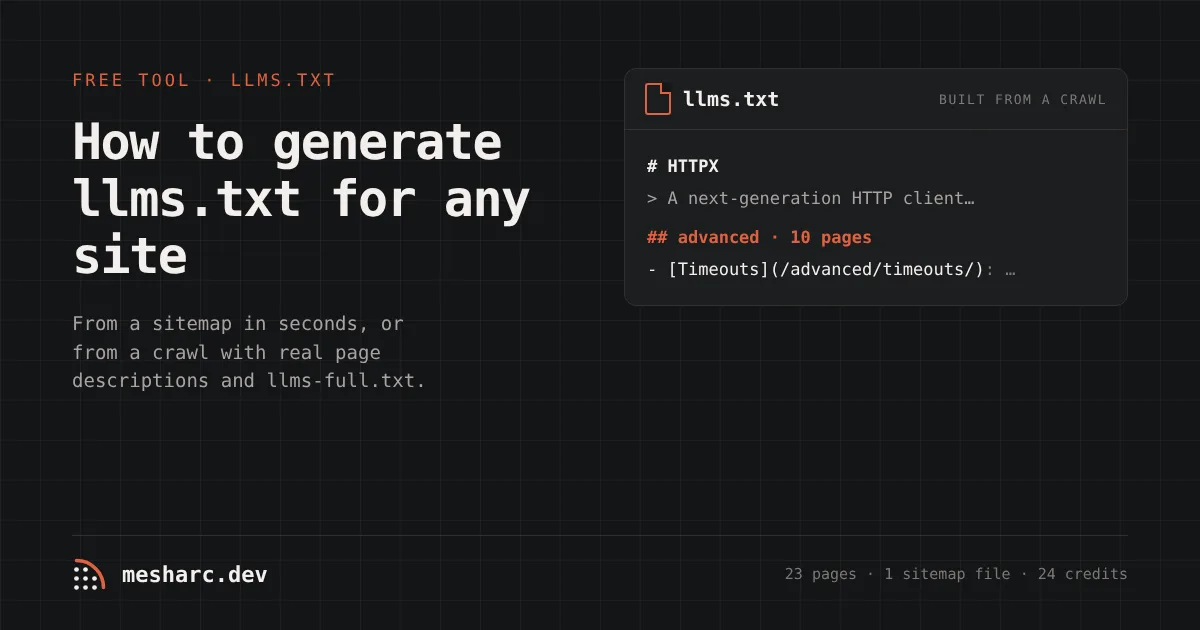
From a crawl (an account, 1 credit a plain page). A MeshArc project reads every page, so the export can write each link's description from the page's own title and description. dataset=llms returns the run's usable pages (ok and thin) in this shape: the project's name as the H1, then the home page's meta description as a blockquote if it has one, then a line saying how many pages were read and when. Pages in a sub-folder go under a section named after the folder, and every top-level page goes together under ## Pages. Each link is - [title](url): description, with the description only when the page has one:
# <project name>

> <the home page's meta description>

<host>: N pages read by MeshArc on <date>; the pages a model can use are listed below.

## Pages

- [title](url): description

## /advanced

- [title](url): description
dataset=llms-full returns every usable page's Markdown in one file, each page under its title and a Source: line (API reference, Exports). Exports cost no credits; you pay for the pages read.
pip install mesharc
export MESHARC_API_KEY=mesharc_...
from mesharc import MeshArc

arc = MeshArc()  # reads MESHARC_API_KEY

project = arc.projects.create(
    "https://www.python-httpx.org/",
    name="HTTPX",
    schedule="weekly",              # re-crawled every week
    config={"max_pages": 100},
)
arc.runs.start(project["id"], wait=True)

# Exports are free; we ran both on a small project on 27 November 2026.
arc.export(project["id"], "llms.txt", dataset="llms", fmt="txt")
arc.export(project["id"], "llms-full.txt", dataset="llms-full", fmt="txt")
The file's title is the project's name, so name the project after the site.
Without the SDK the export is a GET, https://api.mesharc.dev/api/v1/projects/{id}/export?dataset=llms&format=txt, with your key as a Bearer token. Exports are free; we ran both on a small project on 27 November 2026. With schedule="weekly" the project re-crawls on its own, and your deploy job pulls the two exports after each run and publishes them.
A real run: HTTPX's documentation
On 23 November 2026 we ran the crawl part on python-httpx.org through MeshArc's hosted MCP server (the same crawl the project above runs):
Step | Result | Credits |
|---|---|---|
Map the sitemap | 1 sitemap file, 23 URLs | 1 |
Crawl | 23 pages | 23 |
Content for llms-full.txt | about 24,000 words of Markdown (151 to 2,964 a page) | included |
Total | 24 |
That's 24 of the Free plan's 1,000 credits. We didn't call the export itself (the hosted MCP server has no export tool, and we ran without an API key), so the table shows the page data the export draws on, not the exported files.
A weekly rebuild of a site this size is about 100 credits a month (23 pages × 4.3 weeks, plus the sitemap), around $0.02 at Growth's rate of about $0.20 per 1,000 plain pages. A re-read that finds a page unchanged is still a read and is billed. With sitemap_incremental set to true, a page is carried forward at 0 when the sitemap says it hasn't changed (pricing).
Four things that break a generated llms.txt
1. Every page has the same description. HTTPX's pages carry the site-wide meta description on every page. We opened QuickStart and Timeouts in full, and both say "A next-generation HTTP client for Python." A generator that copies descriptions would put that line under every link, telling the agent nothing about any of them. Many docs themes do this. The fix belongs in your pages: give each one its own description, as Mintlify does from frontmatter (it uses the description's first paragraph, truncated at 300 characters; checked 27 November 2026). Or edit the lines by hand once the file is generated.
2. Path segments aren't sections. HTTPX's sitemap has one folder with depth, /advanced/ (10 pages). The other 13 URLs each sit in a top-level segment of their own. The free generator makes one section per first path segment, so each of those top-level pages gets a section of its own: up to 13 one-link sections and one real one. The crawl export puts the top-level pages together under ## Pages instead, but a single folder of everything is no more useful to a reader. Neither the free generator nor the crawl export has a setting for sections, so fix it by editing the file after you generate it: merge the sections into the ones a reader would expect, such as Guides, API and Advanced.
3. A blocked page drops out. The export lists the run's usable pages only. A page the site refused on that run is reported as blocked, never as removed, but it isn't in that run's file. Before you publish a rebuilt llms.txt, check the run's counts (here: 23 ok, 0 blocked). If pages were refused, keep last week's file.
4. llms-full.txt outgrows the context window. Mintlify adds a note that the file may be truncated once it passes 100 KB, and splits its own llms.txt index past 100,000 characters. On a big site, one file per section works better.
Which way to go?
Route | Page descriptions | Stays current | Cost (checked 27 Nov 2026) | Best when |
|---|---|---|---|---|
Write it by hand | Yours, the best quality | Only when you edit it | Your time | Under ~30 pages that matter. Beats any generator, ours included |
Docs platform (Mintlify, GitBook) | Mintlify: each page's frontmatter description | Mintlify: "always up to date"; GitBook "automatically publishes AI-friendly formats" | Included | Your docs are already there. No reason to use MeshArc |
Yoast (WordPress, Shopify) | Key content picked automatically or by you | "Generated and refreshed automatically" | Free | A WordPress or Shopify site |
MeshArc free generator | None: links and sections only | Once | Free, no account | A first draft in seconds |
MeshArc crawl + export | From each page's title and description | A scheduled re-crawl; you redeploy the export | 1 credit a plain page; export free | Any stack, a site you don't host, or when you also want llms-full.txt |
Where to put the file
Serve it at
https://yoursite.com/llms.txt(or/docs/llms.txtfor the docs alone), astext/plainortext/markdown.Test it, as the spec suggests: ask an agent about your product with only the llms.txt to start from, and fix what it misreads.
Rebuild it on a schedule. A file generated once starts to drift as soon as pages move.
FAQ
Does llms.txt help SEO?
Not in Google Search. Google says you don't need new machine-readable files or AI text files to appear in its AI features. It helps assistants and agents that are pointed at your site, and Lighthouse's experimental agentic browsing checks now look for it.
What's the difference between llms.txt and llms-full.txt?
llms.txt is the map: a title, a summary and links with a note on each. llms-full.txt is every page's content in one file, for an assistant that reads the whole site at once. The proposal defines only llms.txt; llms-full.txt is a convention docs platforms publish beside it.
How often should I regenerate it?
Whenever pages are added, moved or renamed. For docs that change every week, a weekly rebuild after your release is a sensible start; for a site that rarely changes, monthly is plenty.
Does it work for JavaScript-rendered sites?
The free generator only reads the sitemap, so rendering doesn't matter to it. A crawl needs to read each page: a page that needs a real browser costs 4 credits instead of 1, and a crawl starts each page with a plain read and moves to a browser only when the page needs one.
My docs live on a subpath. Where does the file go?
At that subpath: /docs/llms.txt covers everything under /docs/. The proposal says agents should use the most specific file that applies, so you can have one at the root and one for the docs.
Is there a size limit?
The proposal sets none. In practice the limit is the reader's context window: keep llms.txt to the pages that matter, and split llms-full.txt by section on a big site. Tools set their own: our free generator returns at most 400 lines and 60 URLs per section (and allows 10 requests an hour, 40 a day, per IP), and Mintlify splits its llms.txt index past 100,000 characters.
Try it on your site
Generate the first draft from your sitemap with the llms.txt generator (free, no account). Then try a URL in the playground to see the Markdown and description MeshArc reads from a page. When you want the full file and a weekly rebuild, start free with 1,000 credits: enough to crawl a 23-page site 40 times. If your assistant retrieves chunks rather than reading whole files, keeping a RAG knowledge base up to date covers that route. The other free tools are on /tools.
Related posts
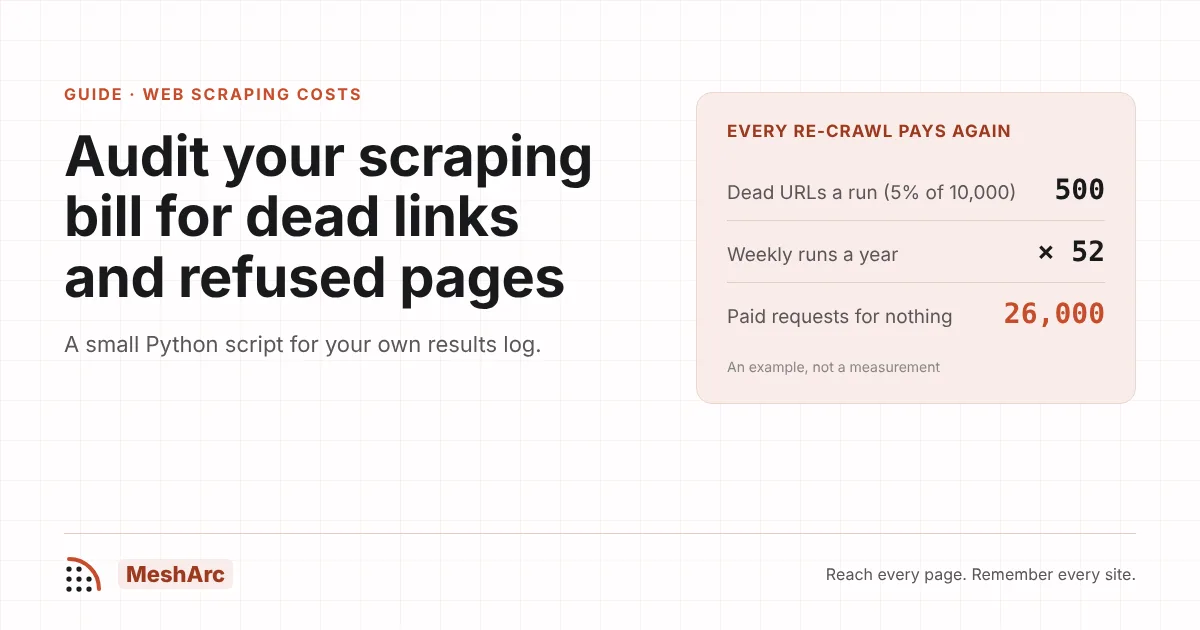
Audit your scraping bill for dead links and refused pages
27 Nov 2026 · 6 min read · Sid Mishra
Replace Google Custom Search JSON API before January 1, 2027
20 Nov 2026 · 12 min read · Sid Mishra
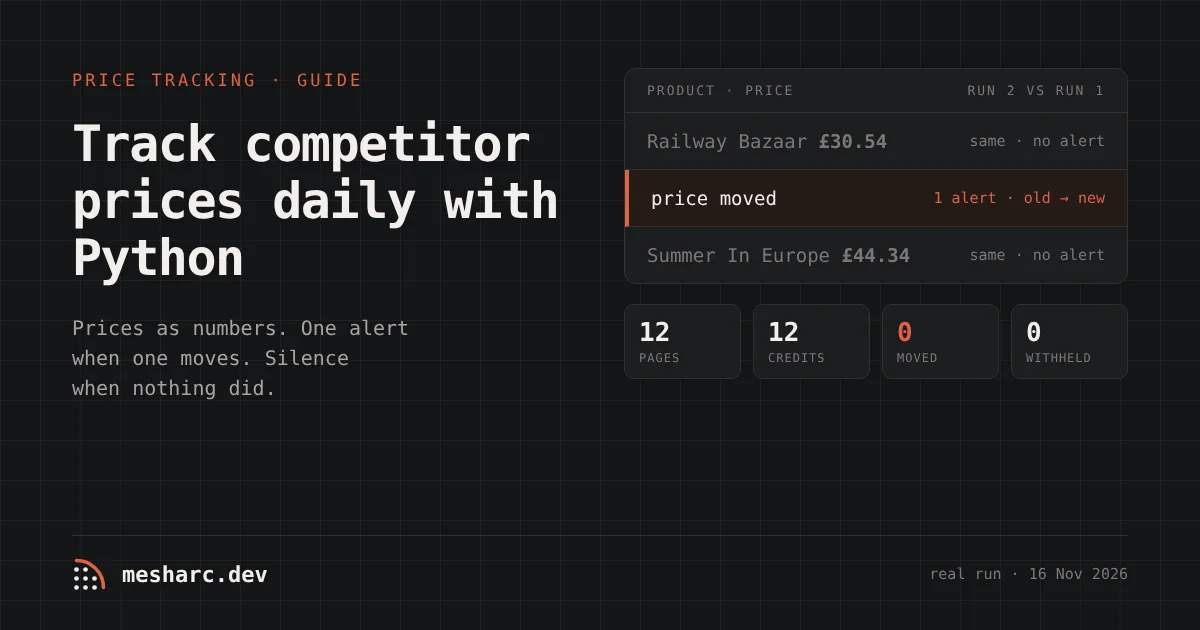
Competitor price monitoring with Python: a daily tracker
16 Nov 2026 · 12 min read · Sid Mishra
Crawl a site and see what changed.
A one-time 1,000 credits to start, browser tier included, no card. The playground answers in seconds.